FREE Shipping on all Pioneer, Yamaha, Behringer, Imix, N9 and Real Sound products for orders over R600!




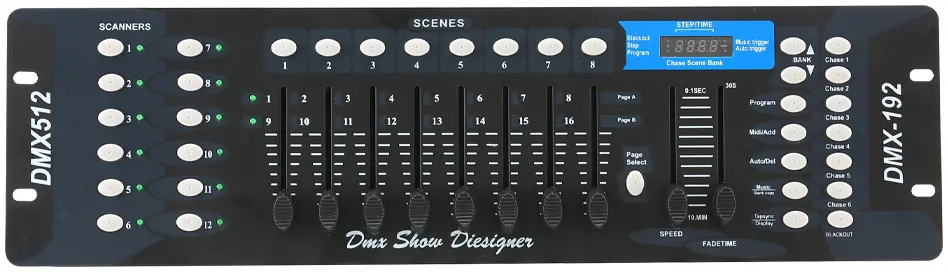
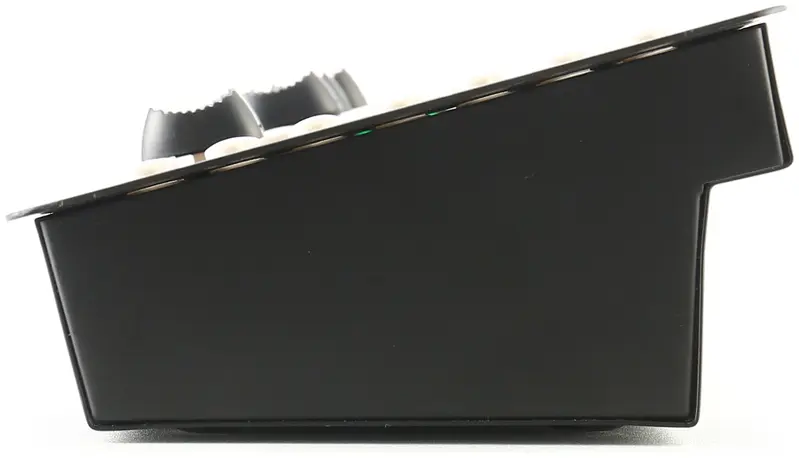
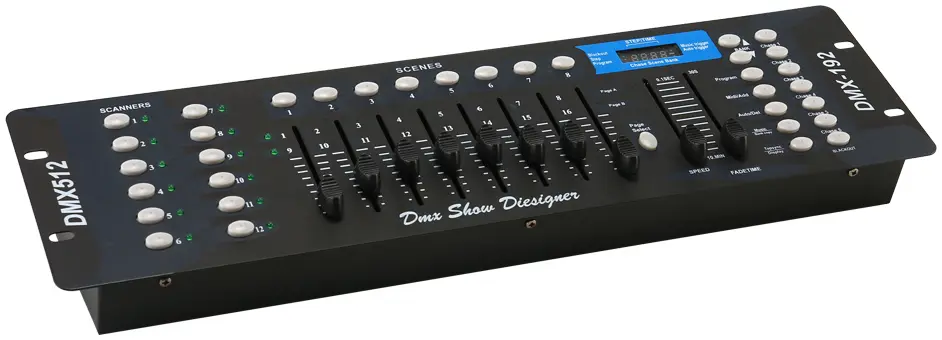
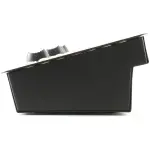
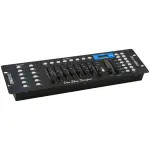
The Imix DMX 192 is a versatile lighting controller designed for stage shows, clubs, and events. With 192 DMX channels, 30 programmable banks, and MIDI integration, it offers precise control over fixtures, scenes, and chases. Features include sound activation, auto-trigger modes, and real-time parameter adjustments via 8 potentiometers.
Key Features
✅ 192 DMX Channels – Control up to 30 banks (8 scenes each)
✅ MIDI Compatibility – Sync with external devices via MIDI signals
✅ Sound-Activated Mode – Trigger scenes via built-in microphone
✅ 8 Adjustable Potentiometers – Fine-tune outputs (0-255) in real time
✅ Chase Programming – Create dynamic sequences with up to 240 steps
✅ Compact & Durable – 48.5 × 14 × 7cm metal housing (18kg)
Technical Specifications
| Category | Details |
|---|---|
| DMX Channels | 192 (30 banks × 8 scenes) |
| Control Modes | Manual, Auto, Sound-Activated, MIDI |
| Display | 4-digit LED (shows bank/scene/chase/step) |
| Connectivity | DMX-512 output, MIDI in/out, DC 5-12V input |
| Potentiometers | 8 × 0-255 adjustable faders |
| Dimensions | 48.5 × 14 × 7cm |
| Weight | 18kg |
Control Capabilities
1. Scene & Bank Management
-
Store 240 Scenes: Assign 192 DMX values per scene.
-
Copy/Delete Banks: Duplicate or clear entire banks with one button.
-
Real-Time Editing: Adjust outputs via potentiometers during playback.
2. Chase Programming
-
240-Step Sequences: Link scenes with customizable fade times.
-
Auto/Sound Triggers: Sync chases to tempo or audio input.
-
Step Insert/Delete: Edit chases on the fly.
3. MIDI Integration
-
Note Mapping: Assign MIDI notes to trigger banks/scenes (e.g., Note 00 = Bank 1 Scene 1).
-
Channel Setup: Select MIDI channels (1-16) for external control.
4. Special Functions
-
Blackout: Instantly mute all DMX outputs.
-
DMX Polarity Switch: Adapt to different fixture requirements.
-
Fade Time Adjustment: Smooth transitions between scenes.
Setup & Operation
1. Basic Workflow
-
Power On: Connect to DC 5-12V (min 300mA).
-
Select Bank: Use ▲/▼ keys or MIDI input.
-
Run Scenes: Press scene buttons or trigger via sound/MIDI.
2. Programming Modes
| Mode | Action |
|---|---|
| Scene Store | Hold PROGRAM + adjust DMX values → Press SCENE |
| Chase Build | Select scenes → Press MIDI/ADD to sequence |
| Bank Copy | Hold MUSIC/BANK COPY + select target bank |
3. MIDI Mapping Example
| MIDI Note | Function |
|---|---|
| 00 | Bank 1 Scene 1 On/Off |
| 121 | Chase 1 On/Off |