FREE Shipping on all Pioneer, Yamaha, Behringer, Imix, N9 and Real Sound products for orders over R600!



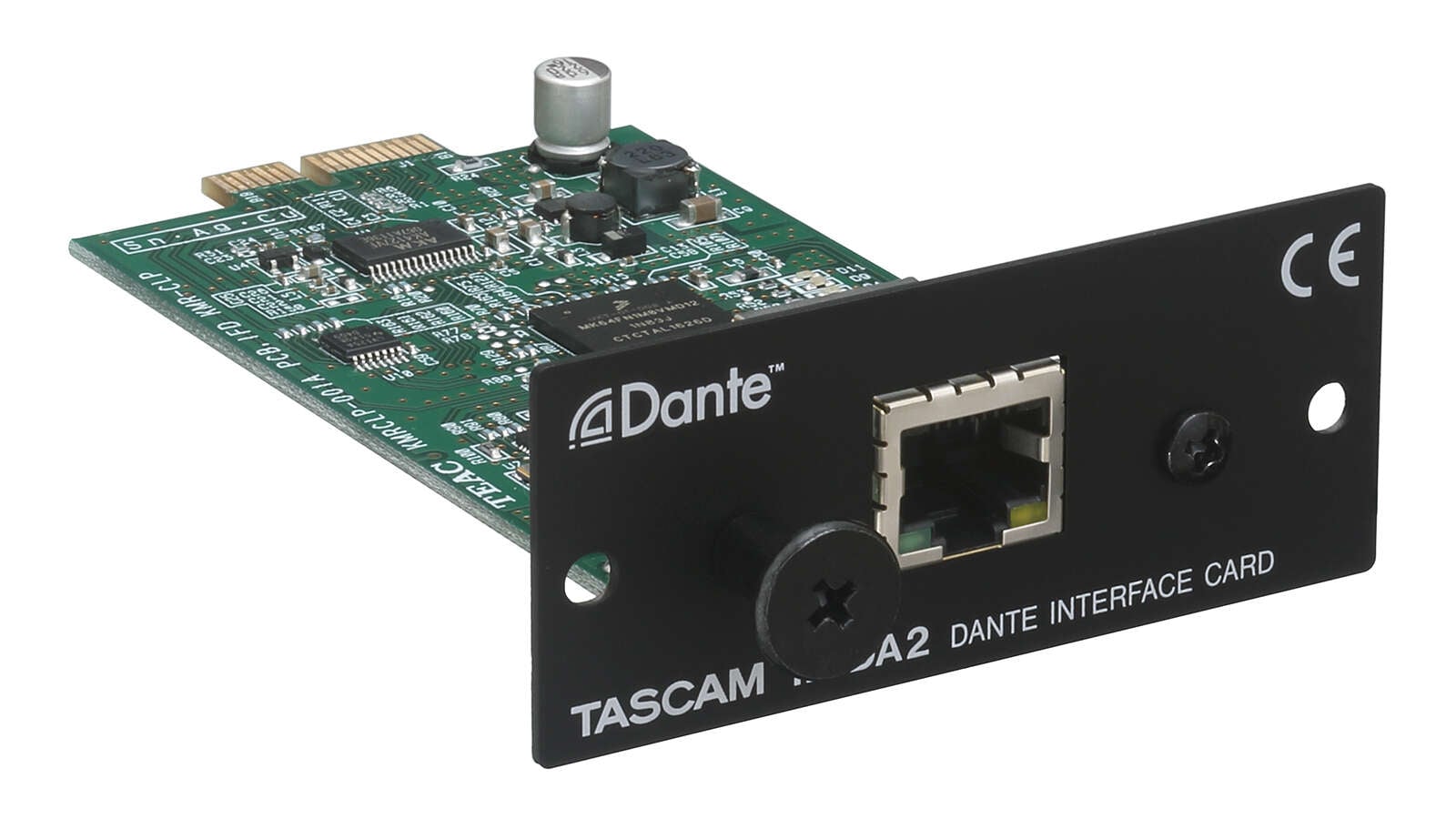
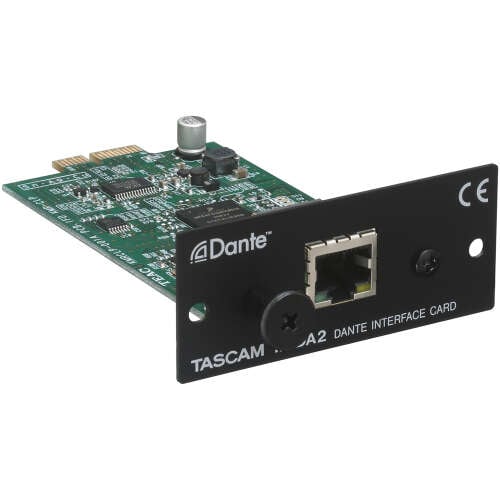
The TASCAM IF-DA2 is an optional two-input/two-output Dante interface card designed for the TASCAM SS-R250N and SS-CDR250N professional audio recorders.
Once installed in the recorder’s dedicated expansion slot, it allows two channels of digital audio to be received from and transmitted to compatible devices over a Dante network. Two RJ45 ports support primary and secondary network connections for redundant Dante operation.
Key Features
- Two Dante audio input channels
- Two Dante audio output channels
- Compatible with the TASCAM SS-R250N
- Compatible with the TASCAM SS-CDR250N
- Supports 44.1, 48 and 96 kHz sampling rates
- Supports 16-bit and 24-bit audio
- Two RJ45 Dante network ports
- Primary and secondary network connections
- Supports redundant Dante networking
- Configured using Audinate Dante Controller
- Internal expansion-card installation
- Powered by the connected recorder
- Compact and lightweight design
Compatible TASCAM Recorders
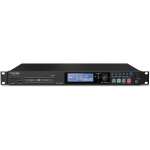
- TASCAM SS-R250N Networkable Solid-State Audio Recorder
- TASCAM SS-CDR250N Networkable Solid-State/CD Audio Recorder
The IF-DA2 is designed specifically for these recorder models and does not operate as a standalone Dante converter.
Dante Audio Configuration
Dante audio channels:
- Inputs: 2
- Outputs: 2
Supported sampling frequencies:
- 44.1 kHz
- 48 kHz
- 96 kHz
Supported bit depths:
- 16-bit
- 24-bit
Audio-network protocol:
- Dante
Network Connections
The card provides two RJ45 network ports:
- Dante Primary
- Dante Secondary
Network standard:
- 100BASE-TX Ethernet
The secondary connection can be used for redundant Dante networking, helping maintain audio transmission if the primary network connection fails.
Dante Controller
The IF-DA2 is configured using the free Audinate Dante Controller application.
Dante Controller can be used to:
- Route audio between Dante devices
- Select Dante transmit and receive channels
- Configure sample rate and bit depth
- View connected Dante devices
- Monitor network and clock status
- Change device and channel names
Routing settings are stored by the Dante devices and remain active after the computer running Dante Controller is disconnected.
Installation
The IF-DA2 installs into the dedicated expansion slot on the rear panel of a compatible SS-R250N or SS-CDR250N recorder.
General installation procedure:
- Switch off the recorder.
- Disconnect the recorder from mains power.
- Remove the expansion-slot cover.
- Insert the IF-DA2 into the designated slot.
- Secure the card correctly.
- Connect it to a compatible Dante network.
- Configure audio routing through Dante Controller.
Installation should preferably be completed by a qualified audio or AV technician.
Power Requirements
Power is supplied internally by the connected recorder.
Power consumption:
- 0.8W